この記事を作った動機
最近常駐させているサーバ用に、Smart UPS 750 を導入した。それで、Google Gemini Fast 3にそれについて投げつけてみたところ、UPS を USB 接続して使える専用の管理ツールがあることが分かったため、作業したことを記録するだけ。
前提として、Smart UPS 750 をすでに USB 接続していることを置く。
apcupsdを導入して動作確認する
インストール
yay -Sy apcupsd
# sudo pacman -Sy apcupsd
systemd スクリプトの有効化
sudo systemctl enable --now apcupsd
systemctl status apcupsd

# ● apcupsd.service - APC UPS Power Control Daemon for Linux
#      Loaded: loaded (/usr/lib/systemd/system/apcupsd.service; enabled; preset: disabled)
#      Active: active (running) since Mon 2026-04-13 21:48:21 JST; 3s ago
#  Invocation: 2bc2be59d2fa4c69a0d736f2cb8038dd
#     Process: 177505 ExecStartPre=/bin/rm -f /etc/apcupsd/powerfail (code=exited, status=0/SUCCESS)
#    Main PID: 177507 (apcupsd)
#       Tasks: 3 (limit: 629145)
#      Memory: 800K (peak: 1.8M)
#         CPU: 34ms
#      CGroup: /system.slice/apcupsd.service
#              └─177507 /usr/bin/apcupsd -b -f /etc/apcupsd/apcupsd.conf
#
#  4月 13 21:48:21 dataSrv systemd[1]: Starting APC UPS Power Control Daemon for Linux...
#  4月 13 21:48:21 dataSrv systemd[1]: Started APC UPS Power Control Daemon for Linux.
#  4月 13 21:48:21 dataSrv apcupsd[177507]: apcupsd 3.14.14 (31 May 2016) unknown startup succeeded
#  4月 13 21:48:21 dataSrv apcupsd[177507]: NIS server startup succeeded
設定ファイルの場所
cd /etc/apcupsd/
ls
# -rwxr--r--⠀root⠀4039 ⠀Feb 16 04:26:29⠀⠀apccontrol*
# -rw-r--r--⠀root⠀13263⠀Feb 16 04:26:29⠀⠀apcupsd.conf
# -rw-r--r--⠀root⠀607 ⠀Feb 16 04:26:29⠀⠀apcupsd.css
# -rwxr--r--⠀root⠀427 ⠀Feb 16 04:26:29⠀⠀changeme*
# -rwxr--r--⠀root⠀454 ⠀Feb 16 04:26:29⠀⠀commfailure*
# -rwxr--r--⠀root⠀455 ⠀Feb 16 04:26:29⠀⠀commok*
# -rw-r--r--⠀root⠀662 ⠀Feb 16 04:26:29⠀⠀hosts.conf
# -rw-r--r--⠀root⠀2344 ⠀Feb 16 04:26:29⠀⠀multimon.conf
# -rwxr--r--⠀root⠀426 ⠀Feb 16 04:26:29⠀⠀offbattery*
# -rwxr--r--⠀root⠀391 ⠀Feb 16 04:26:29⠀⠀onbattery*
シャットダウン設定の変更 (/etc/apcupsd/apcupsd.conf)
今回はバッテリー残量に関する項目について、デフォルトより余裕を持つように設定してみた。
...
# If during a power failure, the remaining battery percentage
# (as reported by the UPS) is below or equal to BATTERYLEVEL,
# apcupsd will initiate a system shutdown.
BATTERYLEVEL 60 # ここはもともと5%に設定されていたところ、60%でシャットダウンに変更した。

# If during a power failure, the remaining runtime in minutes
# (as calculated internally by the UPS) is below or equal to MINUTES,
# apcupsd, will initiate a system shutdown.
MINUTES 10 # ここはもともと3分に設定されていたところを、10分でシャットダウンに変更した。
...
バッテリーの様子を確認する
apcaccess
# APC      : 001,027,0657
# DATE     : 2026-04-13 22:10:41 +0900
# HOSTNAME : hostName
# VERSION  : 3.14.14 (31 May 2016) unknown
# UPSNAME  : userName
# CABLE    : USB Cable
# DRIVER   : USB UPS Driver
# UPSMODE  : Stand Alone
# STARTTIME: 2026-04-13 22:10:40 +0900
# MODEL    : Smart-UPS 750
# STATUS   : ONLINE
# BCHARGE  : 100.0 Percent
# TIMELEFT : 62.0 Minutes
# MBATTCHG : 60 Percent
# MINTIMEL : 10 Minutes
# MAXTIME  : 0 Seconds
# ALARMDEL : No alarm
# BATTV    : 26.7 Volts
# NUMXFERS : 0
# TONBATT  : 0 Seconds
# CUMONBATT: 0 Seconds
# XOFFBATT : N/A
# STATFLAG : 0x05000008
# MANDATE  : 2013-08-08
# SERIALNO : XXXXXXXXXXXXX
# NOMBATTV : 24.0 Volts
# FIRMWARE : UPS 08.8 / ID=18
# END APC  : 2026-04-13 22:10:42 +0900
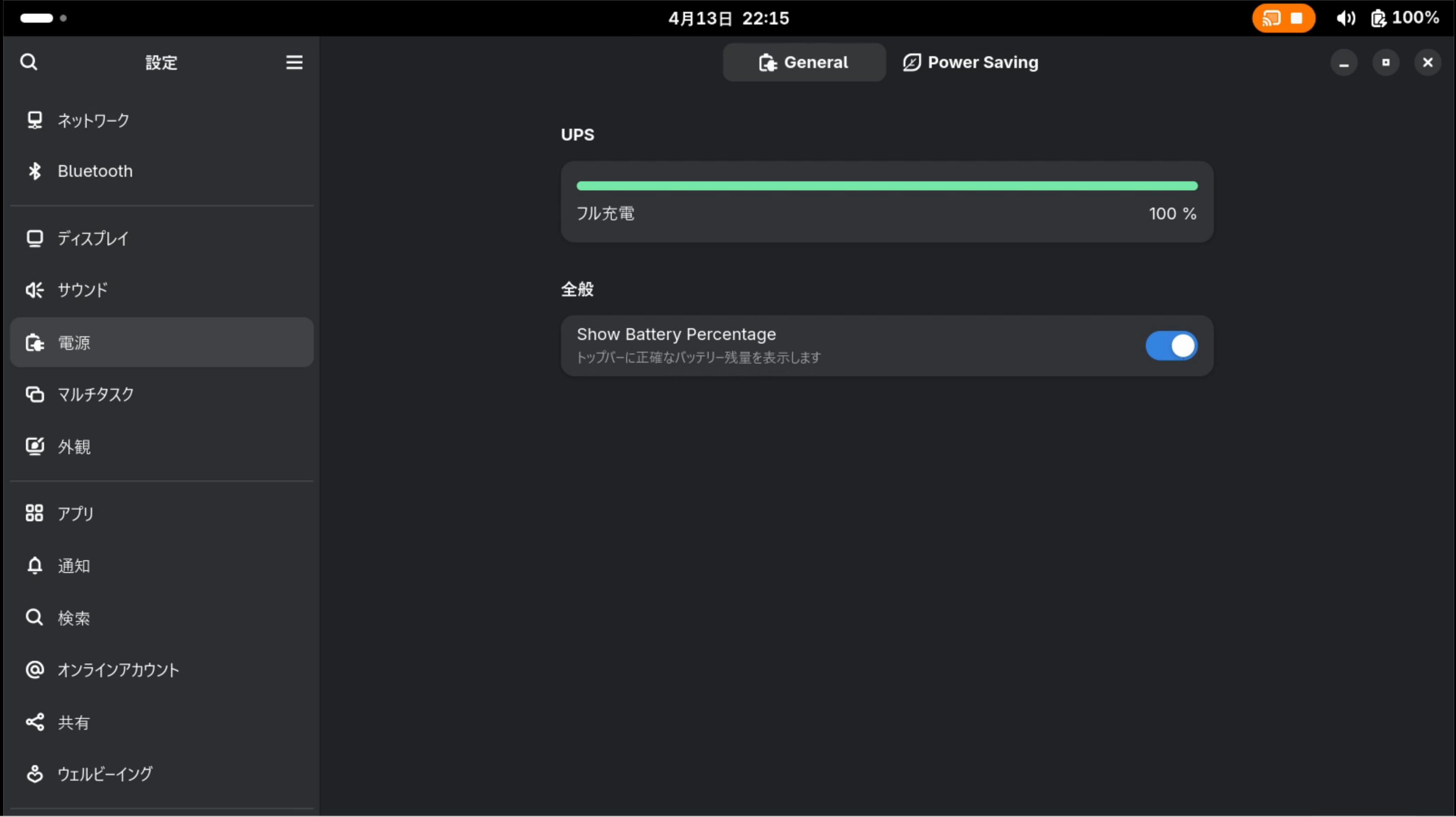
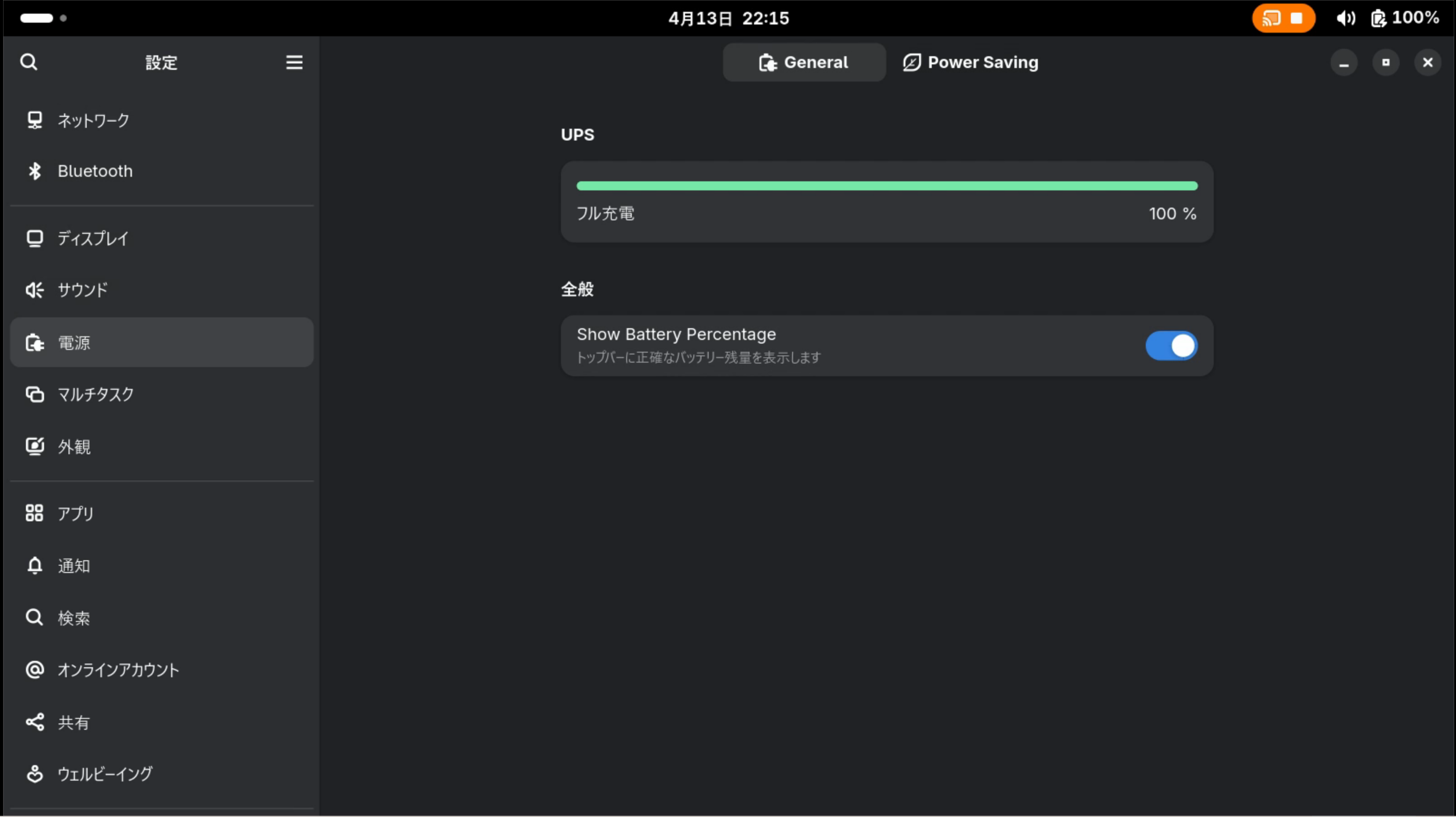
GNOME の様子
参考にしたサイトとか
- Google Gemini
https://gemini.google.com/app (2026年4月13日) - Arch Linux - apcupsd 3.14.14-9 (x86_64)
https://archlinux.org/packages/extra/x86_64/apcupsd/ (2026年4月13日) - APC UPS - ArchWiki
https://wiki.archlinux.org/title/APC_UPS (2026年4月13日)