この記事を作った動機
なんか Arch Linux 上でOBS Studioをインストールして使おうとしたら、一発では動かなかった場合があったので記録する。
問題が解決した方法
intel-media-sdkをインストールする。
yay -S intel-media-sdk
# sudo pacman -S intel-media-sdk
これで解決しない場合は、Chrome と Intel UHD 615 で 動画再生にハードウェアアクセラレーションを使いたい#インストールするパッケージの記事の部分について参考にしてみて試しにパッケージをインストールするということはあるかもしれない。
環境
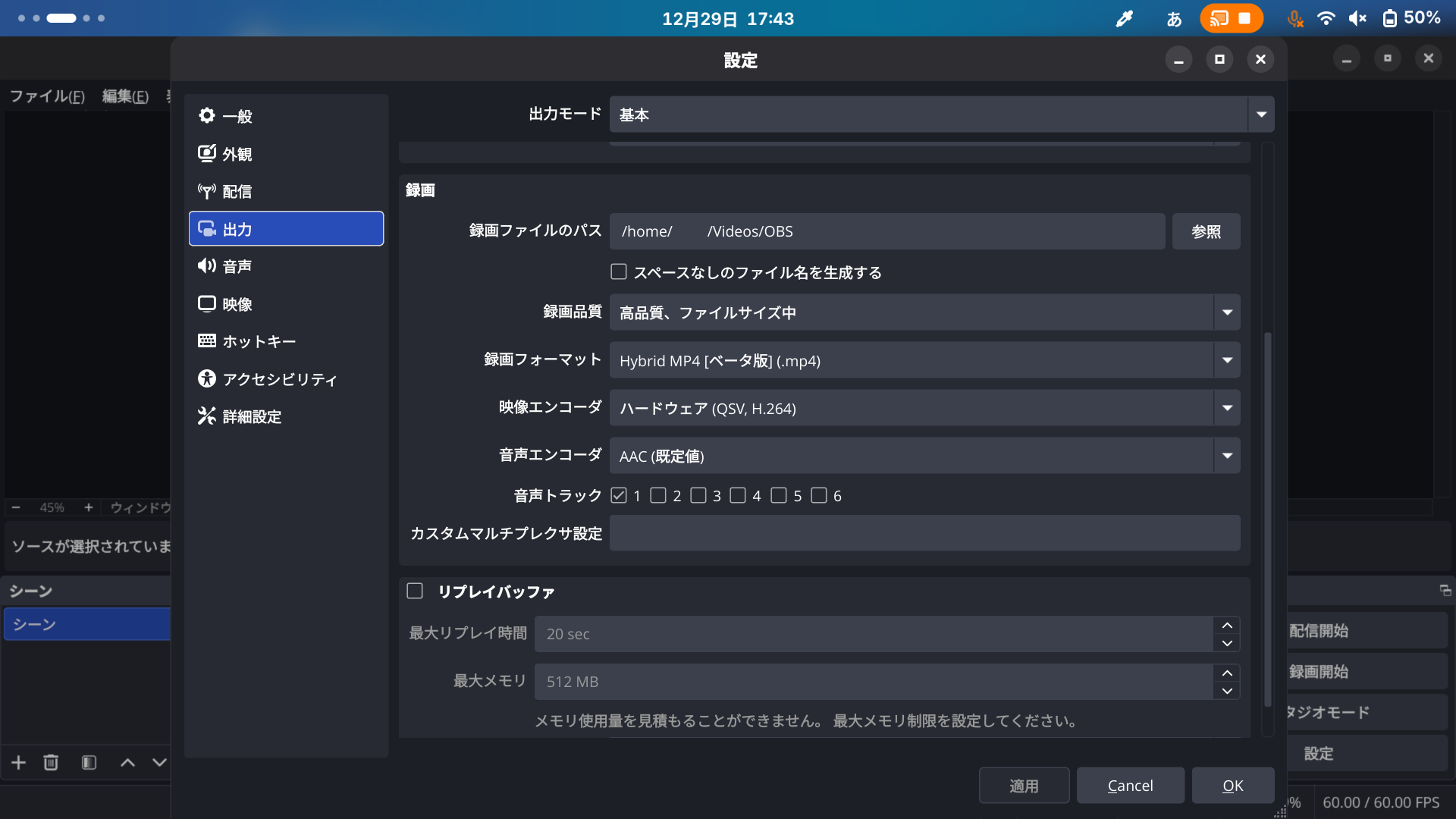
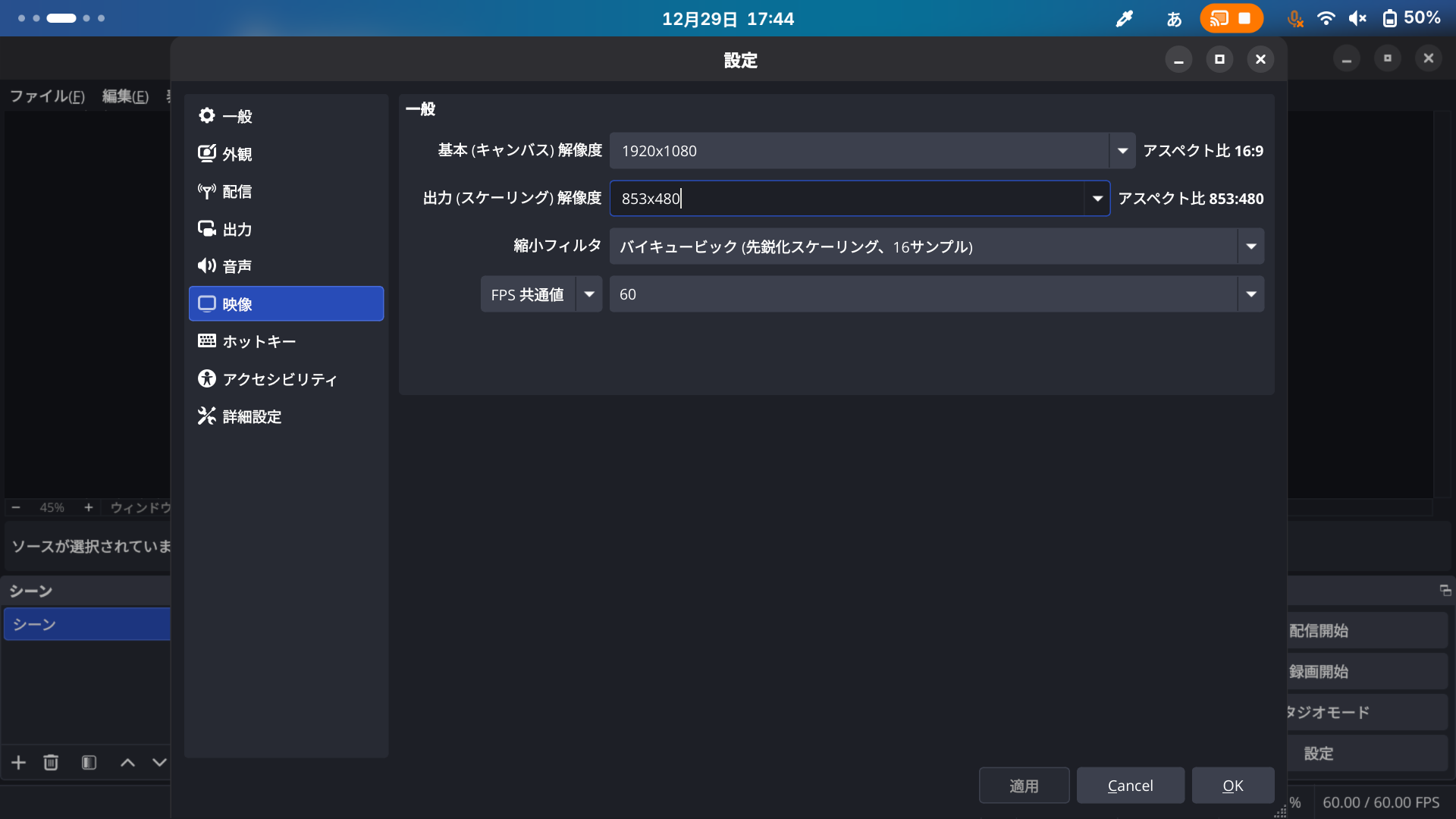
問題が発生した当初の設定状況については、OBS Studio で Intel HD Graphics 5500 が検出され、ハードウェアエンコーダーとしてデフォルトで QSV が選択された状態である。
ハードウェア情報
Report details
Hardware Information:
Software Information:
元々インストールされていたパッケージ一覧
# yay -Qs intel
local/ibus 1.5.33-1
    Intelligent input bus for Linux/Unix
local/intel-compute-runtime 25.48.36300.8-1
    Intel(R) Graphics Compute Runtime for oneAPI Level Zero and OpenCL(TM) Driver
local/intel-gmmlib 22.8.2-1
    Intel Graphics Memory Management Library
local/intel-gpu-tools 2.2-2
    Tools for development and testing of the Intel DRM driver
local/intel-graphics-compiler 1:2.24.8-1
    Intel Graphics Compiler for OpenCL
local/intel-media-driver 25.3.4-1
    Intel Media Driver for VAAPI — Broadwell+ iGPUs
local/intel-oneapi-common 2024.1.0-1
    Intel's oneAPI common variables and licensing
local/intel-oneapi-compiler-dpcpp-cpp-runtime-libs 2025.0.4-1
    Intel oneAPI Data Parallel C++ compiler: Minimal runtime libraries
local/intel-oneapi-compiler-shared-runtime-libs 2025.0.4-2
    Intel oneAPI compiler runtime libraries: Minimal compiler libraries
local/intel-oneapi-openmp 2025.0.4-1
    Intel oneAPI OpenMP runtime library
local/intel-oneapi-tbb 2021.12.0-2
    Intel oneAPI Threading Building Blocks
local/intel-oneapi-tcm 1.2.0-3
    Thread Composability Manager
local/libmfx 23.2.2-5
    Intel Media SDK dispatcher library
local/libva-intel-driver 2.4.1-5
    VA-API implementation for Intel G45 and HD Graphics family
local/libvpl 2.16.0-1
    Intel Video Processing Library
local/linux-firmware-intel 20251125-2
    Firmware files for Linux - Firmware for Intel devices
local/onetbb 2022.3.0-2
    oneAPI Threading Building Blocks - a high level abstract threading library
local/openimagedenoise 2.3.3-3
    Intel(R) Open Image Denoise library
local/openpgl 0.7.1-1
    Intel Open Path Guiding Library
local/vlc-plugin-quicksync 3.0.21-32
    Free and open source cross-platform multimedia player and framework - Intel QuickSync
    plugin
local/vulkan-intel 1:25.3.2-1
    Open-source Vulkan driver for Intel GPUs
local/xf86-video-intel 1:2.99.917+939+g4a64400e-1 (xorg-drivers)
    X.org Intel i810/i830/i915/945G/G965+ video drivers
出てきたエラー内容について
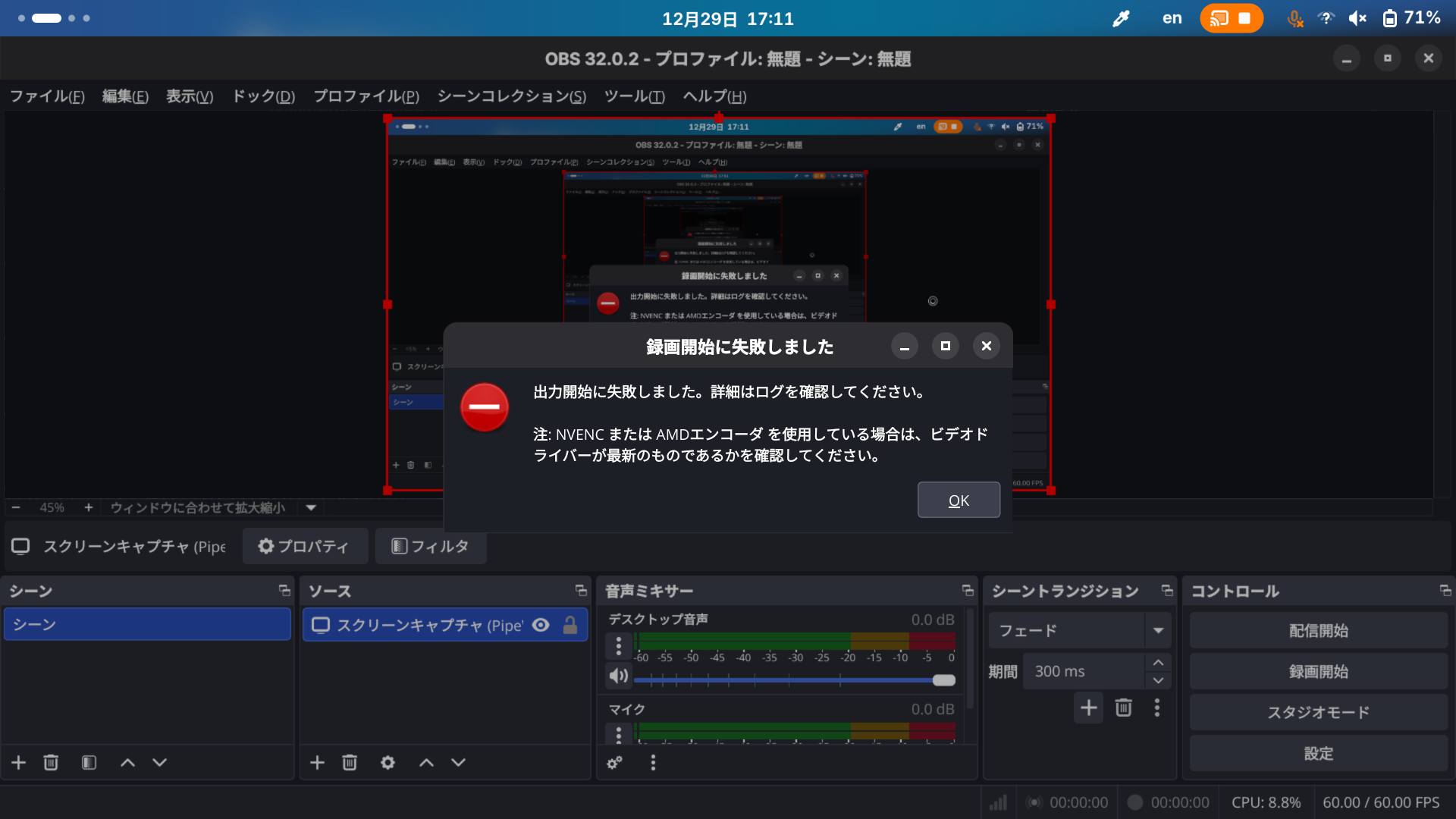
GUI上のエラー
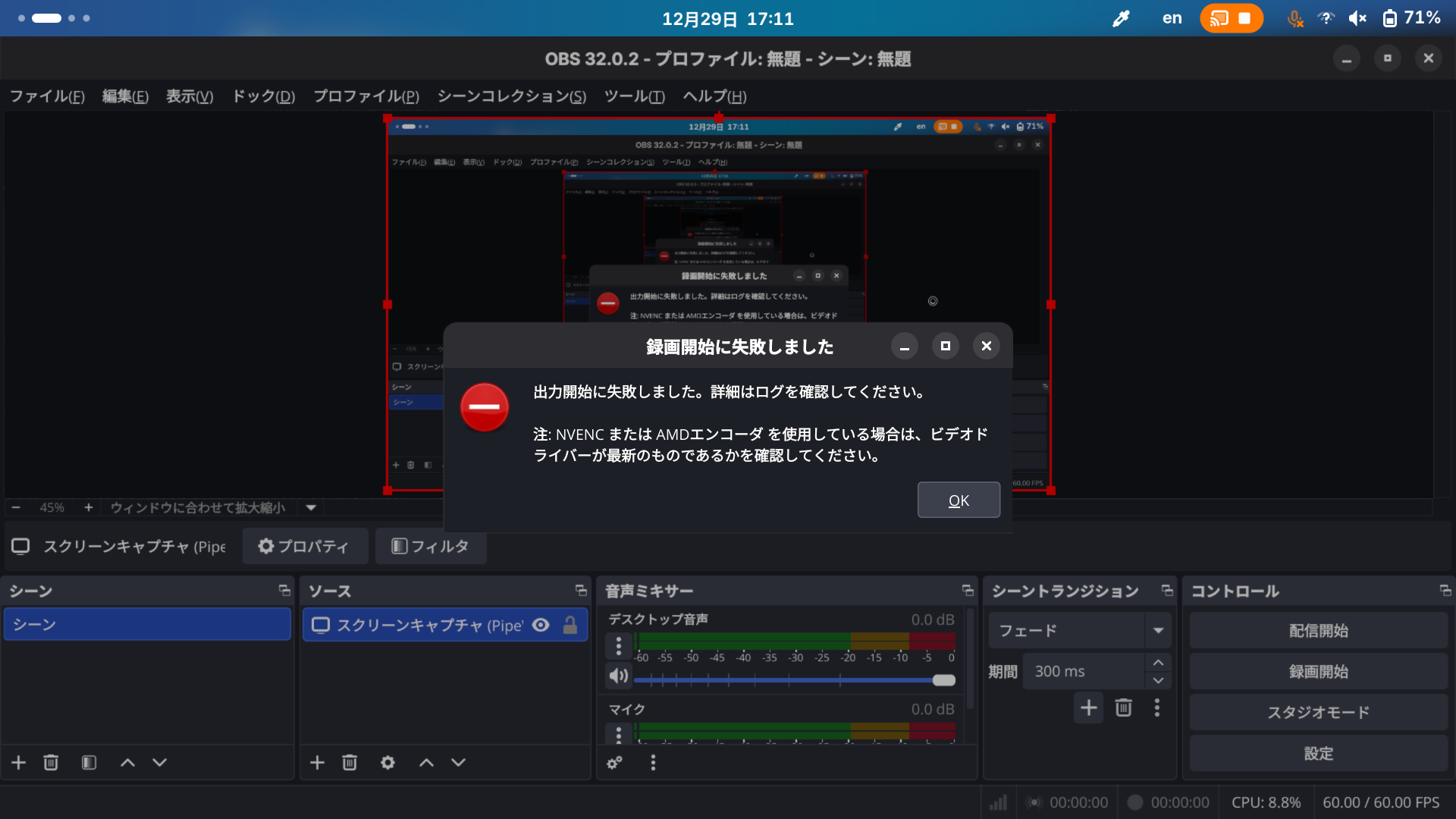
ターミナルから起動したときのログ
obs
# ...
#
# info: >>> new qsv encoder
# info: [qsv encoder: 'simple_video_recording'] settings:
# 	codec:          H.264
# 	rate_control:   ICQ
# info: 	ICQ Quality:    18
# info: 	target_usage:   TU4
# 	profile:        high
# 	keyint:         0
# 	latency:        normal
# 	b-frames:       3
# 	fps_num:        60
# 	fps_den:        1
# 	width:          852
# 	height:         480
# info: [qsv encoder: 'simple_video_recording'] debug info:
# error: Failed to initialize MFX
#
#  Specified object not found. /usr/src/debug/obs-studio/obs-studio-32.0.2-sources/plugins/obs-qsv11/common_utils_linux.cpp 319
#
#  Specified object not found. /usr/src/debug/obs-studio/obs-studio-32.0.2-sources/plugins/obs-qsv11/QSV_Encoder_Internal.cpp 142
# warning: [qsv encoder: 'msdk_impl'] Specified object/item/sync point not found. (MFX_ERR_NOT_FOUND)
# warning: [qsv encoder: 'simple_video_recording'] qsv failed to load
# info: 	major:          1
# 	minor:          0
# ...
関係のありそうな記事
参考にしたサイトとか
- Arch Linux - intel-media-sdk 23.2.2-5 (x86_64)
https://archlinux.org/packages/extra/x86_64/intel-media-sdk/ (2025年12月29日) - QSV H.264 encoder doesn’t work on Arch Linux | OBS Forums
https://obsproject.com/forum/threads/qsv-h-264-encoder-doesnt-work-on-arch-linux.172850/ (2025年12月29日)